

Appearance
Light and dark theme
Switch the look for daytime use or calmer evening browsing — the interface keeps the same layout and clarity.


MedHome is a home medicine cabinet app: medications, expiry dates, dosage schedules and health metrics, all in one place.
Health data is processed only with your consent
How MedHome works
Medicine cabinet
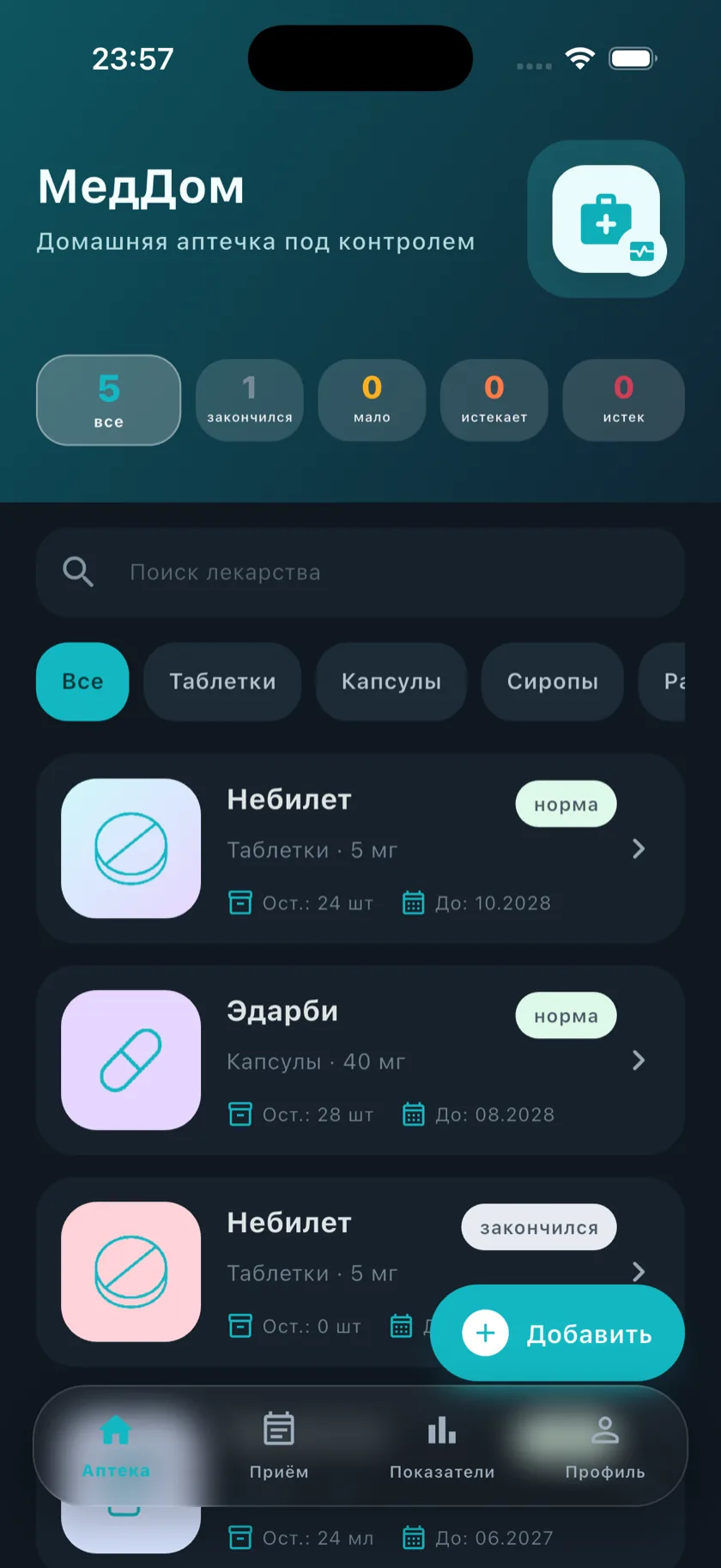
Add medications with their form, dosage, quantity and storage location. Quick search and clear statuses show what's at home.
Scanning
MedHome reads barcodes, QR and DataMatrix codes right off the package, helping you add a medication without typing it in.

Doses
Choose a medication, dose, days of the week and time. The app reminds you of each dose and shows your course progress.

Stock
The app highlights low stock, expiring and expired medications — so it's immediately clear what to restock or replace.

Health
Log your readings and how you feel. Day, week, month and year charts help you notice changes over time.

More in MedHome
Beyond the catalog, courses, scanning and health metrics, the app has a few more convenient details.
Appearance
Switch the look for daytime use or calmer evening browsing — the interface keeps the same layout and clarity.

Android widgets
Mark a dose, add a blood pressure reading or log how you feel — without opening the app.

Personalization
Choose a solid or gradient badge background to tell medications apart at a glance.

Medication card
Form, dosage, stock and expiry date are all visible at once — no switching screens.
 RuStore
Android · Russia
RuStore
Android · Russia
 Google Play
Coming soon
Google Play
Coming soon
Privacy
Health data is processed only with your consent.
All terms of use are open — read them on the agreements page.
Have a question about your data or how the app works? Support replies directly at support@mymedhome.ru.
Write to us.